The documents are always coming tomorrow
A borrower calls on Monday. The deal is good: a refinance on a 24-unit building, a clear story, an owner who wants to move. Then comes the sentence every broker knows. "I'll send you everything tomorrow."
By Thursday the rent roll has arrived as a phone photo. The operating statement sits in a thread that was forwarded twice. There are two versions of the personal financial statement, and nobody is sure which one is current. You are no longer working a deal. You are managing an inbox.
(Direct answer, 55 words.) A borrower portal is a branded link you send a borrower. They confirm their email, start a new deal or add documents to an existing one, and upload what the lender needs. The files land in your account, attached to the deal, so you review one place instead of searching your email.
Why the gap costs more than the time
A lender decides on the first look whether a deal is worth their time. Missing numbers get a pass, or a question that costs a day (finish the deal memo before you send). Every document that arrives late is a day the deal is not in front of a lender.
It also costs you accuracy. When a rent roll lives in a text message and the T-12 lives in an email, the version you underwrite may not be the version the borrower meant to send.
What lenders ask for
Checklists differ by lender and loan type, but the same items come up. For income-producing property, Union Savings Bank lists a current rent roll and operating expenses, copies of active leases and a signed purchase and sale agreement (Union Savings Bank, updated 1 Sep 2026). Self-Help's commercial real estate checklist adds personal financial statements for guarantors, three years of tax returns, corporate documents such as the operating agreement, and an organization chart showing each owner's percentage of ownership (Self-Help).
| Document | Why a lender wants it | Who usually has it |
|---|---|---|
| Rent roll | Shows who pays what and when leases end | Owner or property manager |
| Operating statements and expenses | Lets the lender calculate net operating income | Owner or accountant |
| Active leases | Confirms terms the rent roll summarizes | Owner or property manager |
| Purchase and sale agreement | Sets price and timing on an acquisition | Borrower or attorney |
| Guarantor personal financial statement and tax returns | Shows the strength behind the loan | Guarantor |
| Entity documents and ownership chart | Shows who owns the borrowing entity | Borrower or attorney |
Ask for the first two on day one. They decide whether the deal moves.
One link instead of a thread
The Borrower Portal on Finance Lobby replaces the forwarded thread with one link.
The borrower opens it, enters their email and confirms it with a code. They choose whether to start a new deal or add documents to a deal that already exists, upload the files and see a confirmation. They do not need to know how you organize your files.
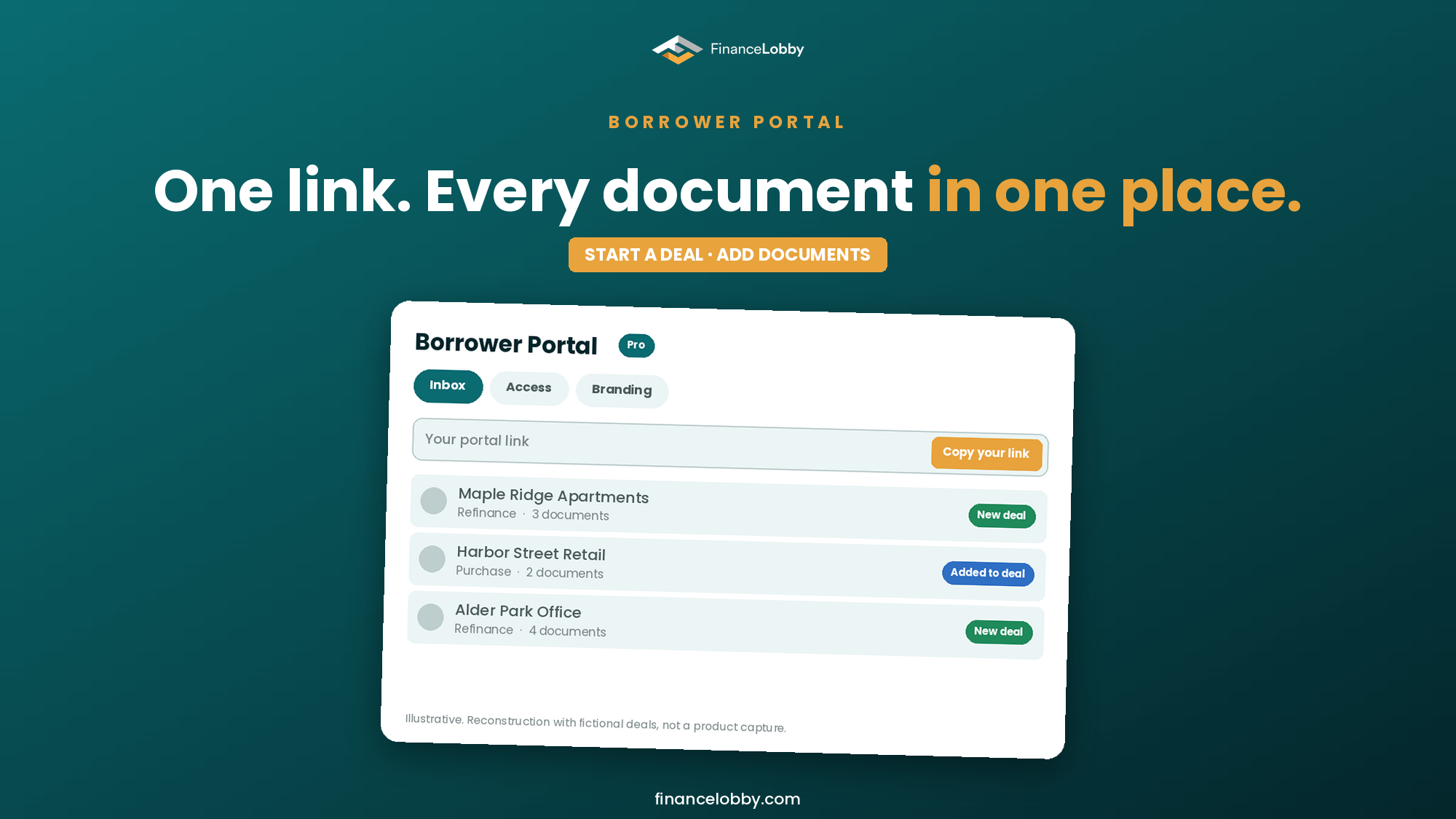
On your side, the portal lives in Settings under Borrower Portal, with three tabs: Inbox, Access and Branding. Branding is where you add your logo, your brand color and a message to the borrower, so the page they land on looks like your firm. Use the message to name the first two documents you need. A borrower who reads "send the rent roll and last year's operating statement first" sends those first.
Set it up in five steps
1. Add your logo, color and message. Do this once in the Branding tab.
2. Copy your portal link. It is the same link for every borrower, so you can keep it in your email signature.
3. Send it with a note that names the documents. One sentence is enough. Say what you need first and why.
4. Check the Inbox. What the borrower uploaded shows up there, so you are not searching mail to find out what has arrived.
5. Finish the deal memo and send it on. Once the documents are in, build the memo and send the deal to your lenders (a process for sending one request to several lenders).
Two ways in: a new deal or an existing one
The portal handles two situations. A borrower you have not worked with yet can start a new deal from your link. A borrower on a deal you already opened can add documents to that deal instead of starting over. The Access tab is where you control which borrowers can reach which deals.
Keep the two apart in your own words when you write to the borrower. "Start your deal here" and "add your documents to the deal we opened" are different requests.
Read the documents the way a lender will
When the files arrive, check them before you send anything on. A lender normalizes the operating statement before sizing a loan, and the number a borrower reports is often not the number a lender uses (lender-adjusted NOI). If the deal began as a message, you can also start it from WhatsApp and use the portal to collect the rest.
Where Finance Lobby fits
The Borrower Portal is the intake step in Finance Lobby: the borrower's documents go in through your link, you underwrite and build the deal memo in the same place, and Deal Desk sends the deal to your lenders (Deal Desk: send your deal to every lender you have). The Borrower Portal is part of the Pro plan. On other plans you see a preview.
Set up your portal, send the link and see what arrives.
See plans and set up your Borrower Portal
FAQ
What is a borrower portal in commercial real estate lending? A borrower portal is a branded link a broker sends a borrower. The borrower confirms their email, starts a new deal or adds documents to an existing one, and uploads what the lender needs, so the broker reviews one place instead of an email thread.
What documents does a commercial loan application need? It depends on the lender and loan type. For income-producing property, common items are a current rent roll, operating statements, copies of active leases and a purchase and sale agreement, plus guarantor personal financial statements, tax returns and entity documents.
How does a borrower use the Borrower Portal on Finance Lobby? The borrower opens your link, enters their email and confirms it with a code, chooses a new deal or an existing one, uploads their files and sees a confirmation.
Can I add my own logo and message? Yes. The Branding tab holds your logo, your brand color and a message to the borrower.
Can a borrower add documents to a deal I already opened? Yes. The portal lets a borrower start a new deal or attach documents to an existing one.
Which plan includes the Borrower Portal? The Pro plan. On other plans you see a preview of the portal.